

Zapier MCP
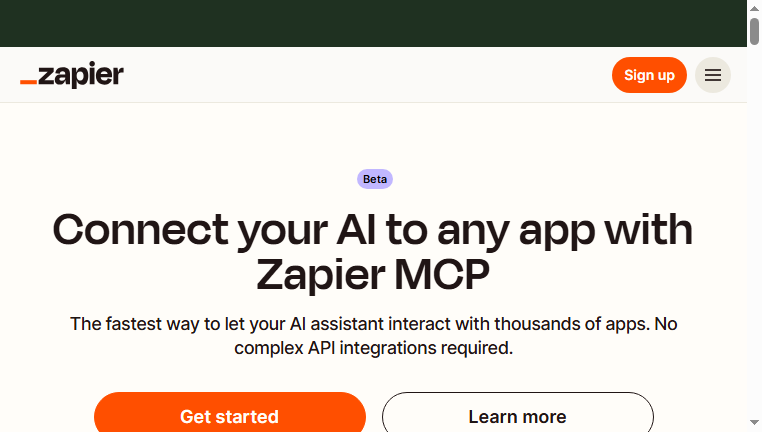
Zapier MCP allows users to connect their AI assistant with over 7,000 applications seamlessly, eliminating the need for complex integrations. This versatile tool automates various tasks, including messaging and event management, transforming your AI into a highly functional asset. Overall, it enhances workflow efficiency by streamlining processes through automated interactions across multiple platforms.
Categories: Developer Tools
Tags: Freemium
What you can do with Zapier MCP and why it’s useful
◆Main Functions and Features
・Seamless Integration
Users can link their AI with thousands of applications effortlessly, allowing for enhanced functionality without cumbersome setups. This feature promotes smooth data flow and interaction across various platforms, increasing productivity.
・Task Automation
With the ability to automate repetitive tasks, Zapier MCP helps streamline operations. Users can define triggers and actions to simplify workflows, thus saving time and reducing manual labor.
・Custom Workflows
This feature allows for the creation of tailored workflows that fit individual needs. Users can combine multiple actions from different apps into one workflow to enhance efficiency.
・Real-time Notifications
Users can set up notifications for important events or milestones. This feature keeps teams informed and enables timely responses to critical updates or actions required.
・User-friendly Interface
The intuitive design ensures that users can navigate and set up integrations easily. With minimal technical knowledge required, this promotes wider adoption across various user levels.
・Cross-platform Compatibility
Zapier MCP works seamlessly across diverse platforms, enhancing flexibility. This interoperability allows users to choose their preferred applications and still achieve comprehensive connectivity.
◆Use Cases and Applications
・Project Management Automation
By automating task assignments and updates across tools like Trello or Asana, users can enhance team collaboration while minimizing project delays.
・Lead Management
Integrating with CRMs enables automatic lead tracking and follow-ups. This ensures no opportunity is missed and optimizes sales processes.
・Customer Support Enhancement
Automating responses in platforms like Slack or email can significantly improve client interactions, allowing support teams to focus on complex queries.
・Social Media Scheduling
Users can schedule posts across multiple social media accounts without switching platforms, easing the burden of content management.
・Data Synchronization
Automatic synchronization of data between apps like Google Sheets and CRM systems ensures accuracy and up-to-date information across the board.
・Event Management Automation
Integrating calendaring systems can automate reminders and confirmations, improving attendee communication and event organization.
Copyright © 2026 AI Ranking. All Right Reserved