
Gemini AI
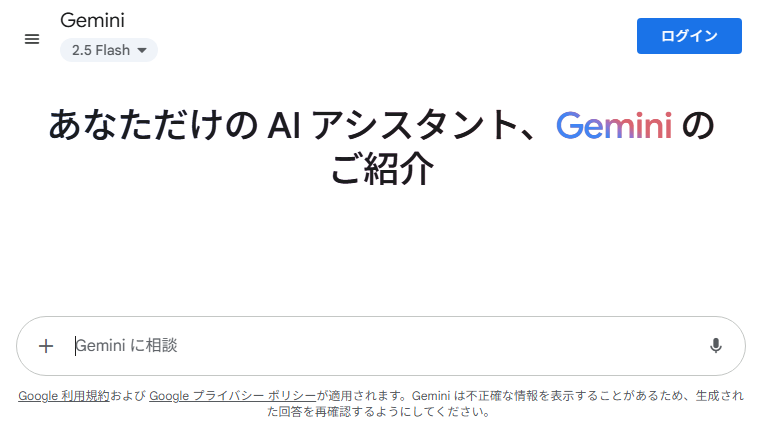
Gemini is a generative AI that incorporates Google LLC's long-established philosophy of information structuring from its search engine into AI. It emerged as the successor to Bard and comprehensively understands text, images, audio, and code. Its defining feature is constructing answers by organizing the relationships and importance of information, rather than simply listing search results. It is currently positioned as an AI for intellectual tasks, capable of rapidly conducting research, comparisons, and summarization. Built upon Google Search's foundation, it excels at organizing facts and identifying gaps in arguments, earning support from users seeking to gain an overview of information.
Other versions of Gemini AI
For detailed specifications and features of each Gemini AI model, please refer to the detailed page for each version.- Feature Tool Gemini Robotics
- Feature Tool Gemini 2.5 Pro
- Feature Tool Gemini 2.0
- Feature Tool Gemini Pro 1.5
- Feature Tool Bard AI (Gemini)
Gemini AI: An Honest Practical Review

Strengths
Its seamless integration with Google services is a unique strength other AIs lack. It automatically drafts emails for you and drops search results directly into documents, eliminating the hassle of switching between screens. (Available in the paid versions Gemini Advanced / Google One AI Premium). Since 2026, the accuracy of information has noticeably improved. It's incredibly helpful to instantly get the “information you need right now,” tailored to current events, weather, or store locations.
Points of Concern
While its conversational style has become much more natural compared to before, it occasionally produces slightly stilted, distinctly “AI-like” sentences. Additionally, while map integration has improved significantly, it's not entirely rare to encounter outdated business hours or directions to non-existent locations. It might still be wise to maintain the habit of double-checking things yourself just to be safe.
Overall Evaluation
Gemini is a reliable assistant that elevates Google's usability. Rather than just chatting for fun, I feel the smartest way to use it is to efficiently handle daily tedious tasks like drafting emails or researching information. Its old unnaturalness is gone, and it's now much easier to use.


Gemini AI :Q&A
How do I get started with Gemini AI? Do I need an account?
If you have a Google account, you can start using Gemini immediately by simply logging in.
No special registration process is required, and you do not need to enter credit card information to use the free version.
Being able to start seamlessly with your existing Google account is one of its biggest advantages.
Who owns the content generated by Gemini AI? Is commercial use allowed?
Commercial use is generally permitted. According to Google's Generative AI terms, ownership of generated content belongs to the user.
However, prompts that intentionally infringe on third-party copyrights are prohibited.
For detailed and up-to-date conditions, please review Google's official terms of service.
What are the pricing plans for Gemini AI? Is it free or paid?
Gemini is available for free. The free version allows you to enjoy conversations without worrying about strict usage limits.
【Paid Plan (Gemini Advanced)】
It is offered as part of Google One’s AI Premium plan. With a monthly subscription, you gain access to more powerful models such as Gemini Ultra 1.0, along with advanced AI features integrated into Gmail and Google Docs.
View all questions
Is Gemini AI safe? Is there a risk of personal data leakage?
In the free and personal plans, parts of conversations may be reviewed by human evaluators to improve the service.
For this reason, it is recommended not to input sensitive or confidential information.
For enterprise users, Gemini for Google Workspace provides enhanced security, including assurances that data is not used for model training.
Is it easy to cancel or stop using Gemini AI?
Paid plans such as Gemini Advanced can be canceled at any time through the Google One membership management page.
After cancellation, you can continue using paid features until the end of the current billing period.
For the free version, there is no concept of cancellation, as Gemini is part of Google services.
You can manage your data by deleting or disabling activity history.
What kind of company developed Gemini AI?
Gemini is developed by Google DeepMind.
While ChatGPT initially led the generative AI space, Google rapidly consolidated its long-standing research in large-scale language models and multimodal AI into Gemini.
Recently, Gemini has gained recognition for its strong reasoning capabilities, long-context processing, and deep integration with Google services, strengthening its position as a practical, real-world AI.
What can Gemini AI actually do? How is it used in practice?
In addition to writing and summarization, Gemini excels at deep integration with Google services.
Information gathering: Searching the latest news and summarizing YouTube videos
Work efficiency: Drafting content in Google Docs and Gmail, organizing spreadsheets
Daily use: Creating travel plans linked with Google Maps, detailed searches using image recognition
Because it operates seamlessly within the Google ecosystem, it is especially well-suited for Android users and those who rely heavily on Gmail.
Copyright © 2026 AI Ranking. All Right Reserved